

Most beginner film scoring tutorials focus on sounds, not structure. You get a preset, play a few chords, add drums, and it sounds cinematic for about ten seconds before falling apart. The real issue is not the tools. It is how those tools are layered, spaced, and controlled over time.
This breakdown focuses on a simple orchestral workflow built inside FL Studio using high-quality libraries. The goal is not complexity. It is control. Understanding why a minimal arrangement can still feel large, emotional, and cinematic is what separates usable production music from something that sounds like a loop.
This tutorial demonstrates a full cinematic cue built from scratch using basic theory, simple note choices, and layered orchestral elements. What matters here is not the individual sounds. It is how each layer occupies a specific role in the frequency spectrum, arrangement, and emotional arc.
Video Breakdown
The video walks through a complete film scoring workflow using FL Studio and EastWest OPUS. The structure follows a standard cinematic build: intro texture, melodic foundation, harmonic support, rhythmic tension, and percussive impact.
What stands out is how minimal the MIDI actually is. Most parts rely on root notes, repeated phrases, and octave placement rather than dense harmonic writing. This is intentional. In film scoring, complexity comes from layering, not note density.
The demonstration also highlights something many producers miss. Cinematic music is not mixed like a typical track. It is staged. Each element is placed in depth using reverb, panning, and register, rather than aggressive EQ or compression.
What It Gets Right
The core principle demonstrated is layered orchestration with controlled frequency roles.
Each element serves a defined purpose. The melody sits in the upper midrange. Strings reinforce harmony without competing. The bass anchors the low end using root notes. Spiccato adds rhythmic motion. The drone fills space and emotional weight. Percussion provides scale and impact.
This works because cinematic music depends on separation, not stacking. When each layer is simple but placed correctly, the result feels large without becoming muddy.
Where Producers Go Wrong
Most beginners fail in three specific areas.
First, they overwrite MIDI. Adding too many notes creates harmonic clutter that orchestral libraries exaggerate. What sounds fine on a piano becomes unusable with full strings.
Second, they ignore low-end structure. Film scores rely heavily on controlled sub and low-mid energy. Without proper bass layering, the track feels weak regardless of how big the top layers are.
Third, they treat cinematic drums like standard drum kits. Instead of impact-based placement, they loop patterns. This removes tension and reduces the perceived scale.
The tutorial avoids these mistakes by keeping parts simple and assigning clear roles to each layer.
Real Technique Breakdown
EQ and frequency placement define whether the track translates or collapses.
- Melody: sits around 1 kHz to 4 kHz with minimal low-end
- Strings: support around 200 Hz to 800 Hz
- Bass: dominant in 40 Hz to 120 Hz
- Drone: wide but controlled below 200 Hz
- Percussion: transient focus around 2 kHz to 8 kHz
This works because each element has a defined range. It fails when the drone and bass overlap excessively in the sub region, creating mud. This is where referencing becomes critical. See Why Reference Tracks Matter More Than Plugins.
Gain staging determines headroom and impact.
- Melody peaks around -12 dB to -9 dB
- Strings around -15 dB
- Bass around -12 dB
- Drums peak between -8 dB and -6 dB
This works because cinematic mixes rely on dynamic range. It fails when everything is pushed too loud early. For deeper control, see Using a RMS Meter to Create A Mix with Head Room.
Velocity and dynamics add realism without complexity.
- Bass velocity variation adds movement
- Spiccato uses randomized velocity
- Strings rely on sustained dynamic shaping
This works because real orchestras are not static. It fails when velocity is flat, resulting in mechanical playback.
Arrangement defines the emotional arc.
- Intro: texture and filtered melody
- Build: add strings and bass
- Tension: introduce spiccato
- Impact: add percussion
This works because each section introduces one new element. It fails when everything is introduced at once.
Sound selection determines the ceiling of the mix.
- High-quality libraries reduce processing needs
- Presets are used with minimal modification
This works because strong source material carries the sound. It fails when poor samples are used and over-processed.
Real-World Use
Start with tempo and key. This defines emotional pacing before any sound is chosen. Changing this later breaks the structure.
Build the main melody next. This becomes the anchor for the entire track. Every element that follows supports or contrasts this idea.
Add harmonic support with strings only after the melody is stable. Writing both simultaneously often creates conflicts in movement and spacing.
Introduce bass once harmony is clear. The bass defines weight and scale. Adding it earlier can distort perception of balance.
Layer rhythmic elements like spiccato after the harmonic structure is locked. These patterns rely on chord movement to function correctly.
Bring in percussion last. Drums define transitions and impact points. Without a stable arrangement, they feel disconnected.
Apply automation at the end. Filters and volume movement create progression. Without this step, the track remains static.
This order matters because each stage depends on the previous one. Reversing it leads to instability and unnecessary complexity.
Tools and Workflow
- FL Studio for sequencing, arrangement, and automation
- EastWest OPUS for orchestral instruments
- Storm Drum Bundle for cinematic percussion
- Arturia Augmented Strings for texture layers
- Optional tools include Waves plugins, Arturia FX Collection, and Output Arcade
The focus is not on plugin quantity. It is on using high-quality sources and minimal processing.
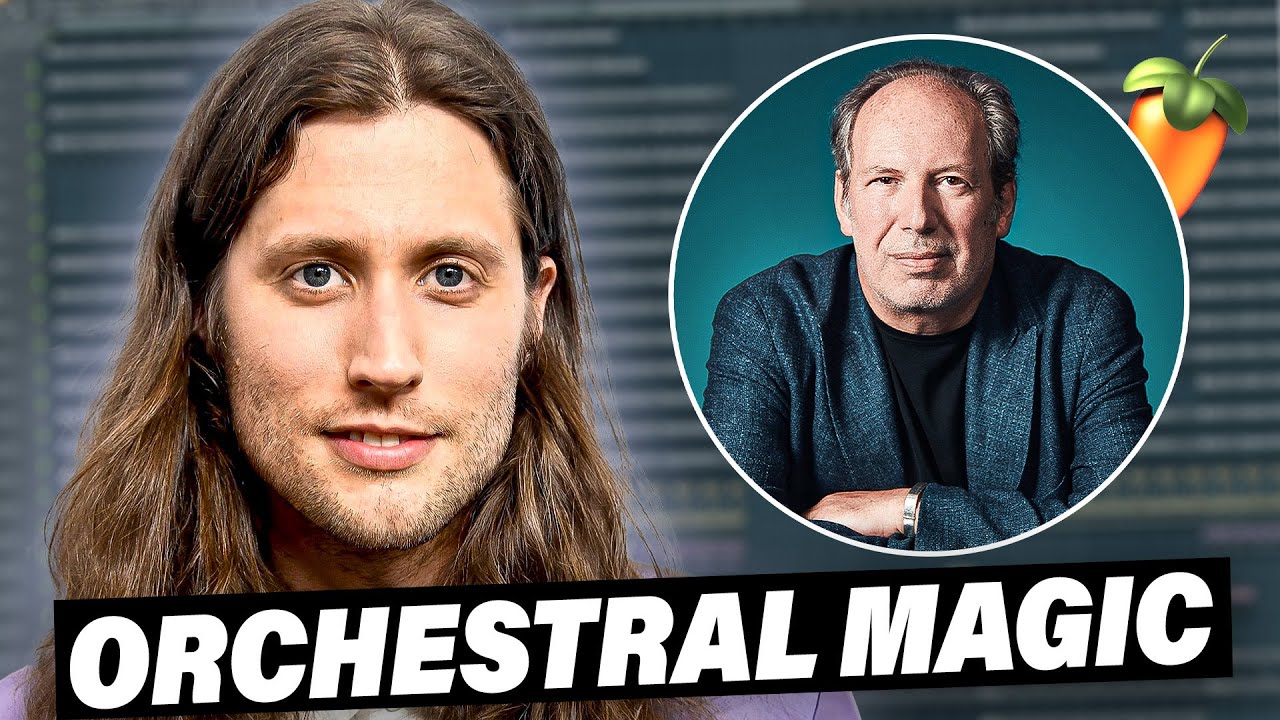
Source Video
How To Make Film Score Music (Ludwig Göransson, Hans Zimmer)
Original tutorial by Seventh' Beats. This article expands on the workflow with deeper production analysis and real-world application.
Professional Wisdom
This workflow succeeds because it prioritizes arrangement over processing.
However, it simplifies low-end management. In real scoring scenarios, drones, bass, and impacts often compete in the same frequency range. Without control, this creates buildup that reduces clarity.
A more advanced approach uses dynamic control. For example, applying multiband compression to the drone so its low frequencies reduce when the bass hits. This preserves the layer without creating conflict.
Another limitation is articulation control. Realistic orchestral writing uses expression and modulation to shape phrasing. Static MIDI lacks this movement and can sound artificial even with high-quality libraries.
The approach shown is effective for beginners. Professional scoring expands on it through dynamic shaping and articulation detail.

FL Studio Free Download
Download the full version of FL Studio and start producing immediately. No time limit. All features unlocked.
Upgrade later only if you need to reopen saved projects or expand your plugin collection.
Download Free Trial Compare Editions →Final Takeaway
Cinematic music is built through layering, not complexity.
Simple MIDI with clear roles creates more impact than dense arrangements.
Low-end control determines whether a track feels powerful or muddy.
Arrangement order defines emotional impact more than sound choice.
High-quality samples help, but structure determines the final result.
No comments:
Post a Comment